The launcher your desktop's been dreaming of.
A beautiful, vanishing portal to your most-used files. Productivity meets elegance — summon your workspace with one hotkey. Not a dock. Not a widget. Something better.
Key Features

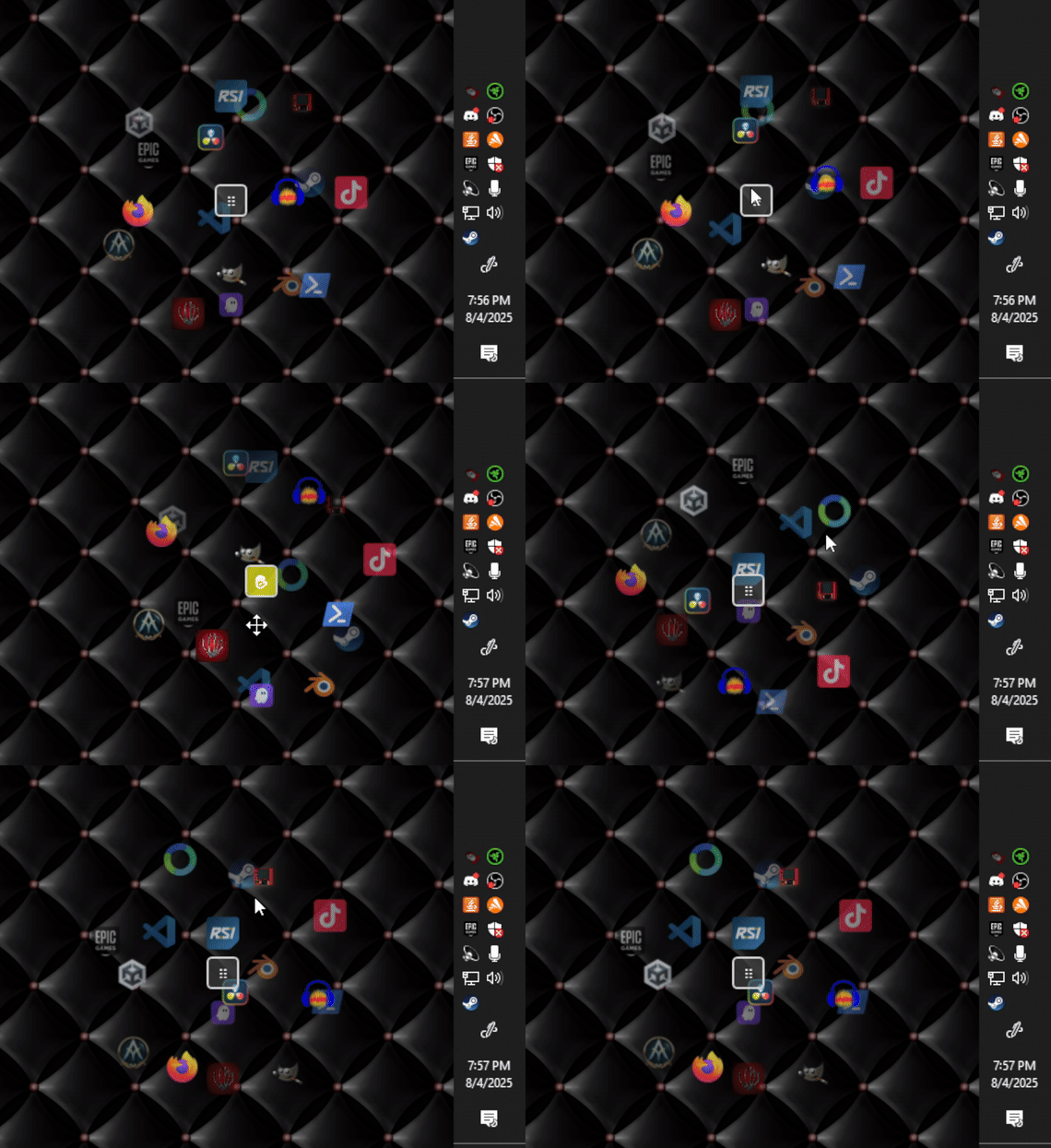
3D Rotating Sphere
Icons arranged on a beautiful 3D sphere that you can rotate with mouse drag
System Tray Integration
Runs quietly in the background, accessible via system tray
Global Hotkey
Press Ctrl+Alt+Space to instantly show/hide the sphere
Wheel Cycling
Use mouse wheel to cycle through different shortcut collections
Move Mode
Double-click center handle to reposition sphere anywhere on screen
Fully Configurable
Customize shortcuts, hotkeys, sphere size, and animation settings
Standalone
No .NET installation required - all dependencies included
Screenshots
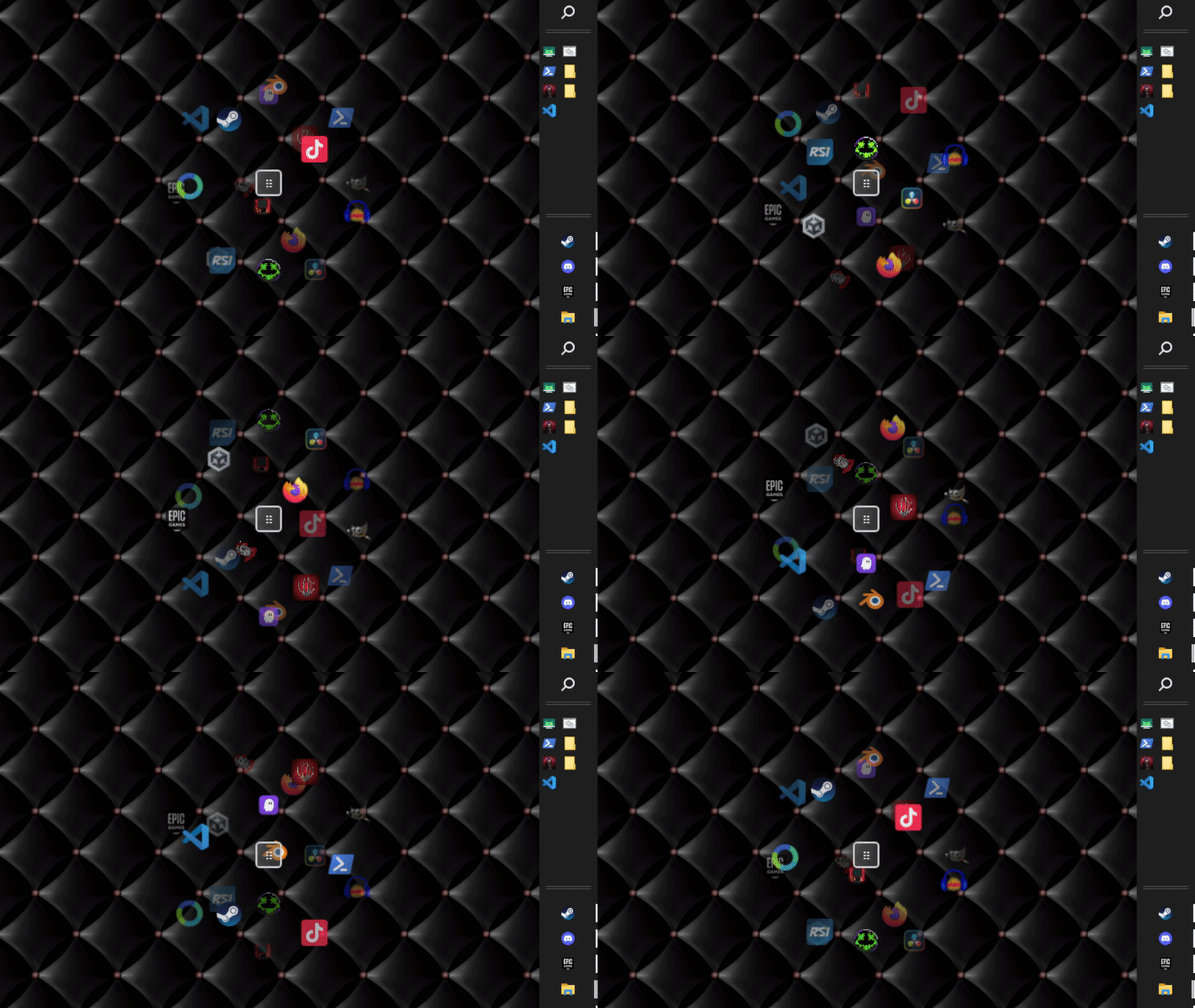
Main 3D Sphere Interface
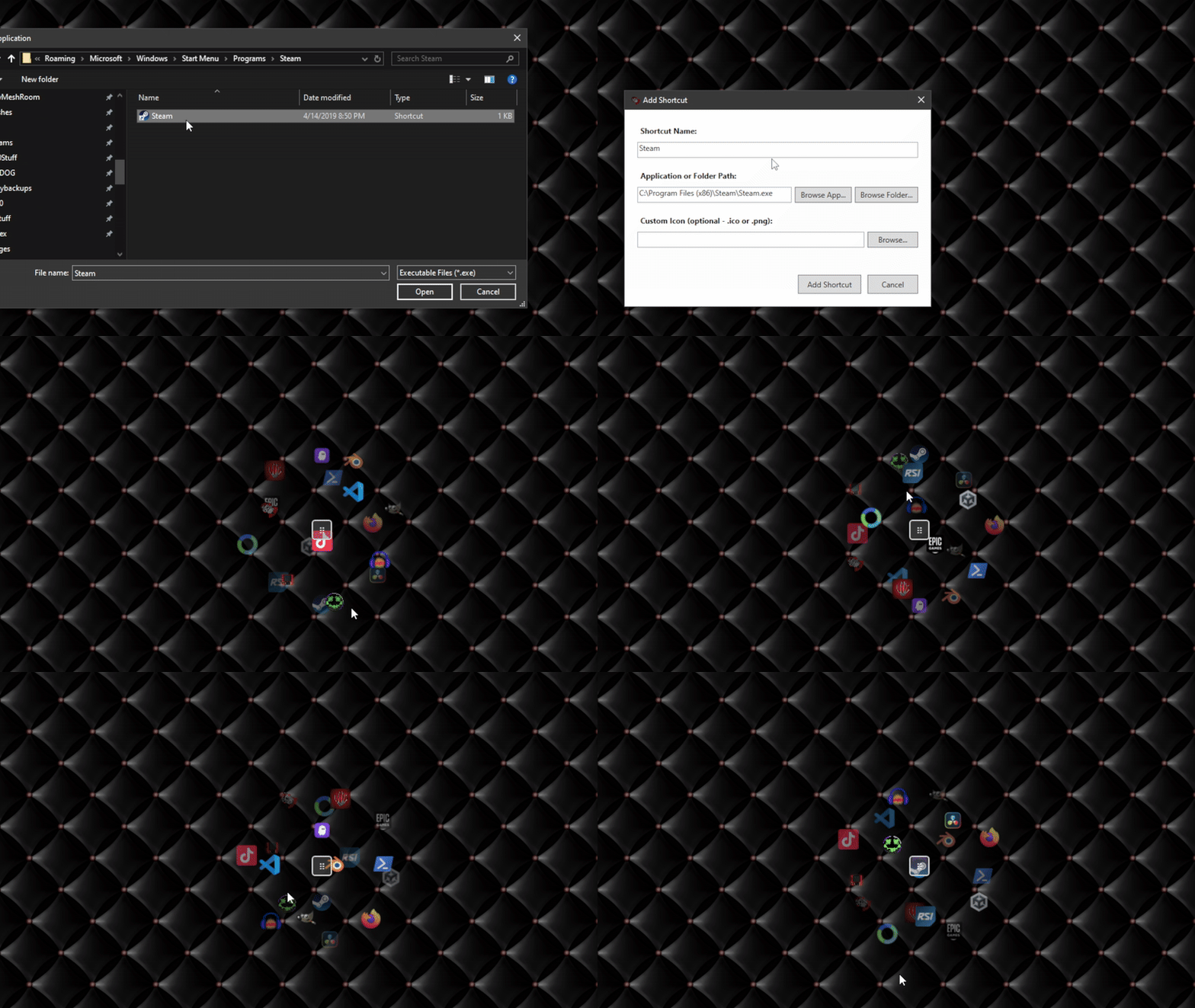
Adding A Shortcut or Folder
Download Orbiq
Windows Installer
Recommended- Professional installation experience
- Start Menu and Desktop shortcuts
- Automatic uninstaller
- Compact download size (0.8 MB)
Enhanced Features in v2.0
Latest!- Multiple Wheel Collections - Organize shortcuts into themed categories for better workflow management
- Startup Integration - Automatically launch with Windows for seamless daily productivity
- Wheel Cycling - Switch between collections using your mouse wheel for quick access
- Enhanced Stability - Improved performance with comprehensive bug fixes and optimizations
All Features Included
System Requirements
Minimum Requirements
- Windows 10 (64-bit)
- 2 GB RAM
- 200 MB free disk space
- DirectX 11 compatible graphics
Recommended
- Windows 11 (64-bit)
- 4 GB RAM or more
- 500 MB free disk space
- Dedicated graphics card